Sharing Your Project
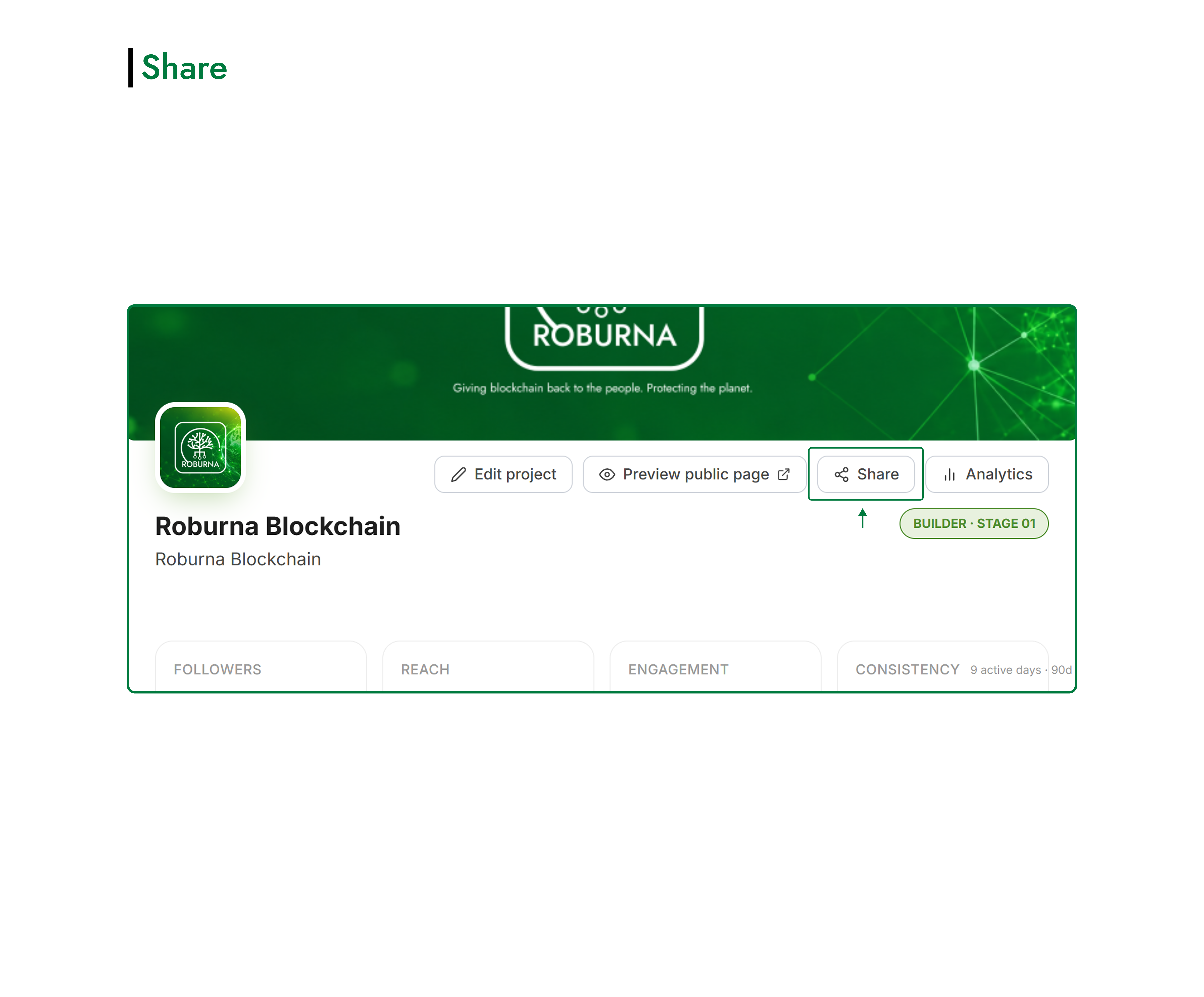
Roburna Builders lets you share your project profile or individual updates about your progress. Depending on what you want others to see, you can share your project as a whole or highlight a specific update.
#Sharing Your Project Profile
To share your entire project, open your project profile and click the Share button at the top of the page. This lets you share your project with others so they can discover what you're building and learn more about it.
#Sharing a Project Update
You can also share individual broadcasts or updates published on your project page.
Find the update you want to share and click its Share button. This lets you draw attention to a specific announcement, milestone, development, or achievement without sharing the entire project profile.