Editing Your Project Profile
You can update your project's information at any time through the Edit Project option on your project profile.
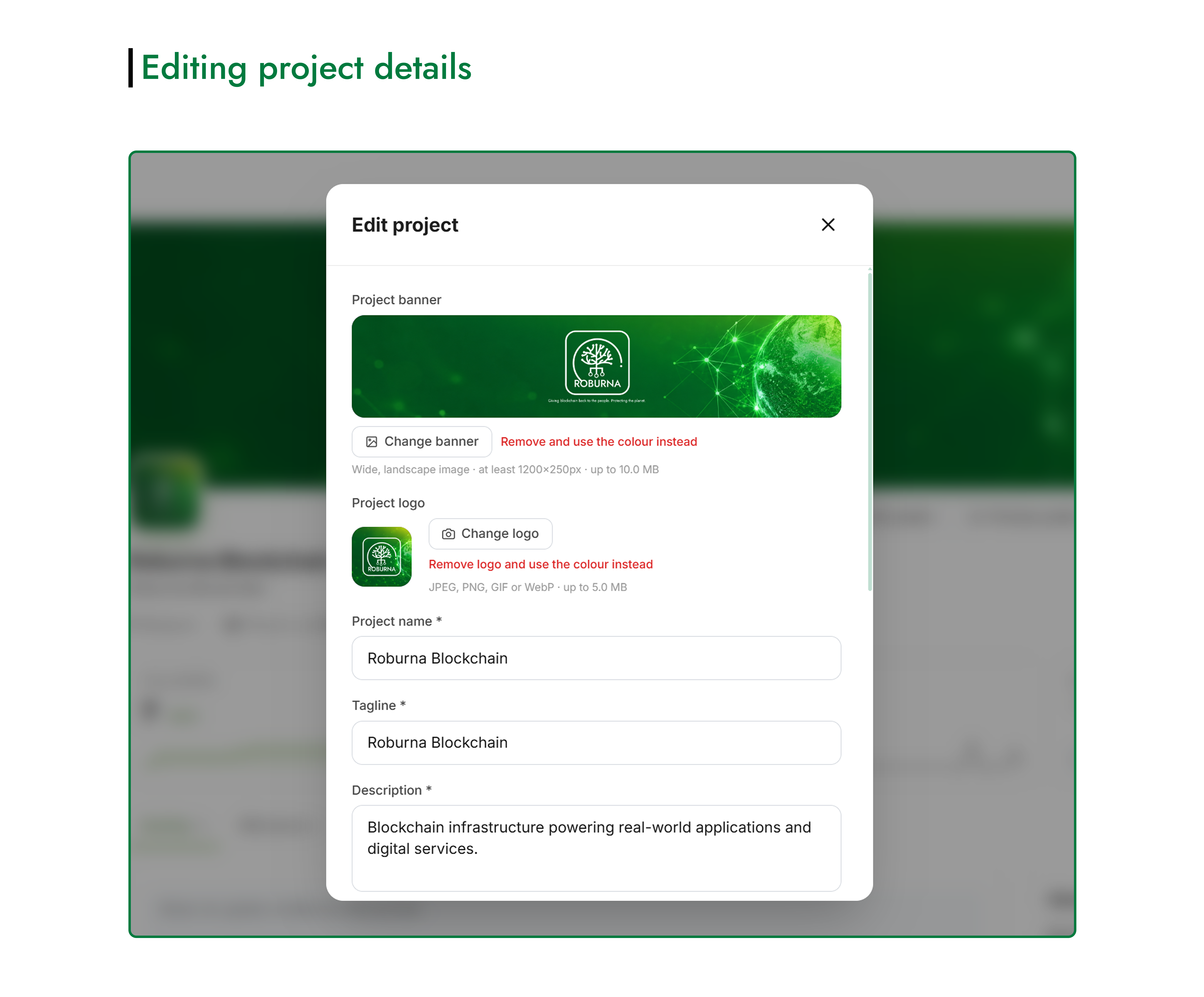
#How to Edit Your Project Profile
- Open your project profile.
- Click Edit Project to open the editing form.
- Update the details you want to change.
- Save your changes to update your project profile.
You can edit the same information you provided when creating the project, including:
- Project name, tagline, and description
- Project logo and banner
- Project vertical and blockchain selection
- Website, GitHub, X, Telegram, and other links
Review your changes before saving to ensure your project profile accurately reflects what you're building.