Sharing Progress
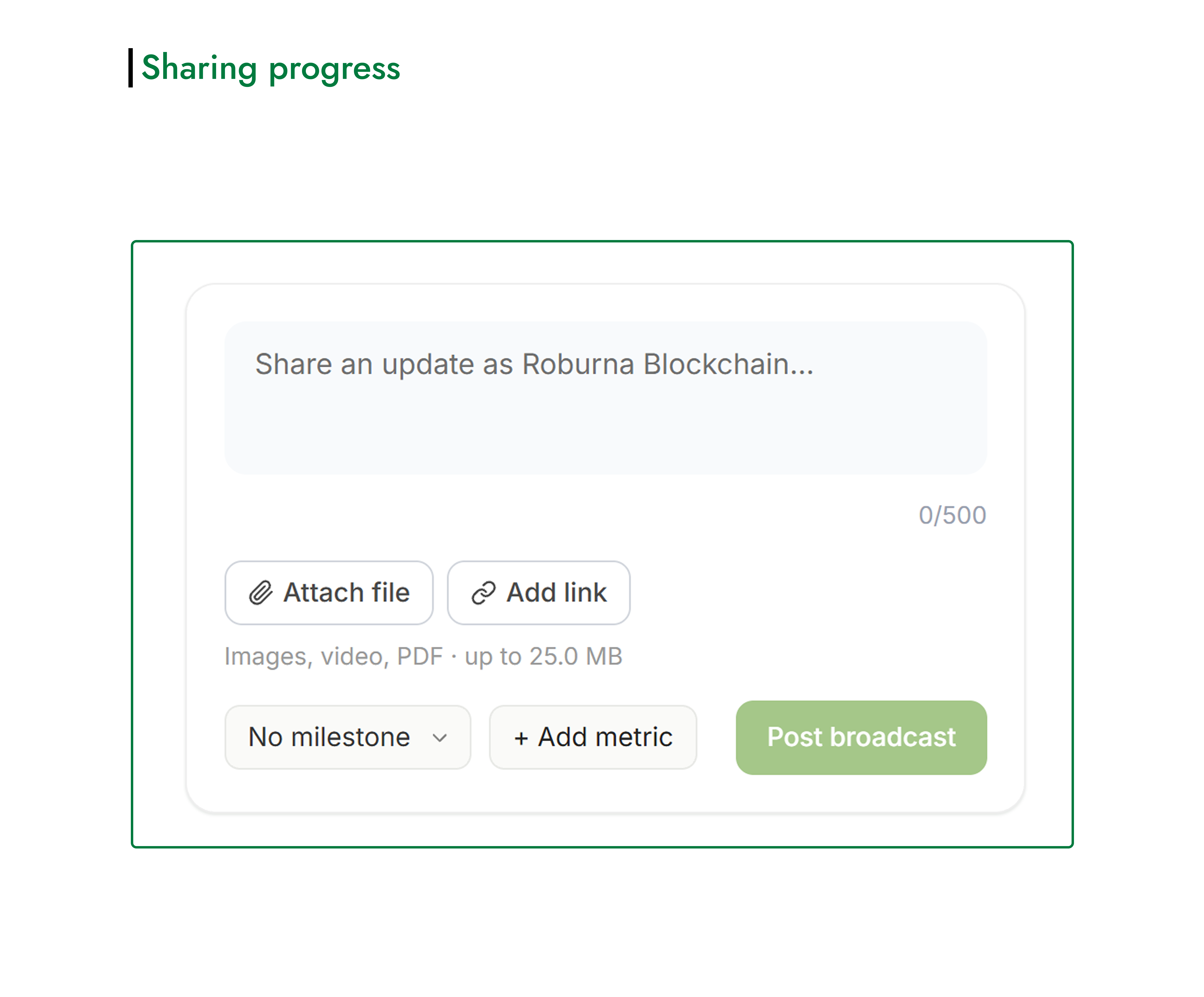
Roburna Builders gives you a space to share updates about your project as you build. You can use broadcasts on your project page to document your progress, announce new developments, share achievements, and keep your community informed about what you're working on.
#How to Share a Project Update
- Open your project page.
- Find the update composer and enter the details of what you want to share.
- Attach supporting files, such as images, videos, or PDFs, if needed.
- Add relevant links to help people learn more about your update.
- If the update relates to a specific project milestone you have unlocked, select the relevant milestone.
- Publish your broadcast.
Your update will appear on the Roburna Builders feed, where other members can discover and engage with it.
#Share Your Updates Beyond Roburna Builders
You can also share a link to an individual broadcast on your other social media platforms. This allows you to bring your existing audience to your update and direct more people to your project on Roburna Builders.
#Make Your Progress Visible
Regular updates help people follow your project's development over time. Share what you've completed, what you're working on, important milestones, and other developments that give your audience a clearer picture of your progress.